

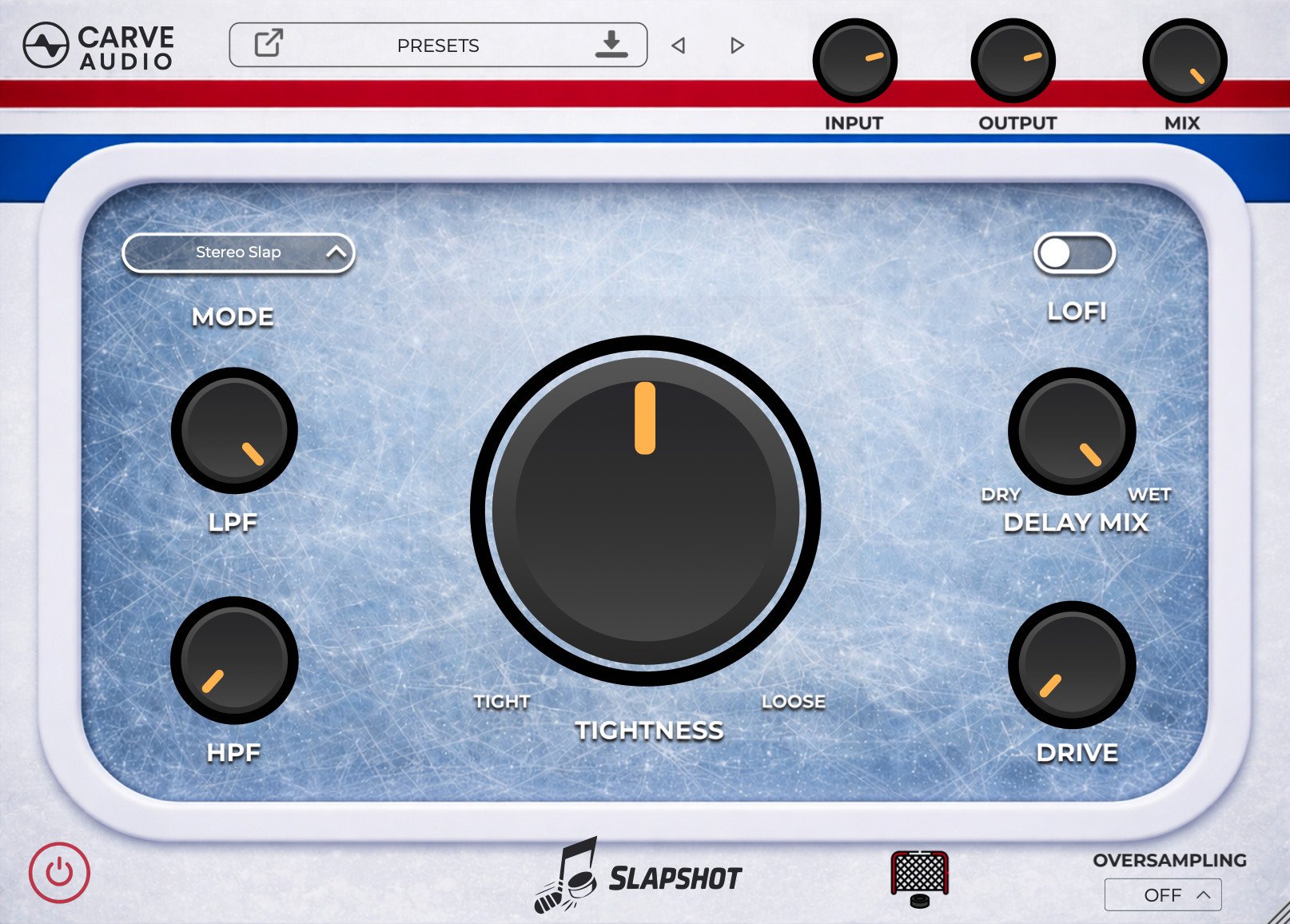
What Is Slapshot?
Slapshot is a slap delay plugin by Carve Audio, designed to add depth, width, and character while staying clean and controlled in a mix.
Reverbs and delays are great at creating space, but they often introduce muddiness unless you follow them with additional tools like EQ, de-essing, compression, or modulation. Slapshot takes care of that work for you. It’s built around slap delay to create the perception of space, while additional processing under the hood keeps the effect smooth, focused, and easy to blend with the dry signal.
The result is a bigger, more dimensional sound that still feels tight, clear, and polished, without long effect chains or endless tweaking.
Slapshot works especially well on vocals, guitars, and keys, but it can be used anywhere you want depth without losing impact.
Features
Slap Delay Built for Mixing
Slapshot uses slap delay as the foundation for adding depth and width, keeping transients intact while creating a sense of space. This makes tracks feel bigger without washing them out.
Clean, Controlled Sound by Design
Behind the scenes, Slapshot uses subtle modulation, compression, and de-essing to keep the effect smooth and balanced. This helps the delay sit naturally behind the dry signal without harshness, buildup, or clutter.
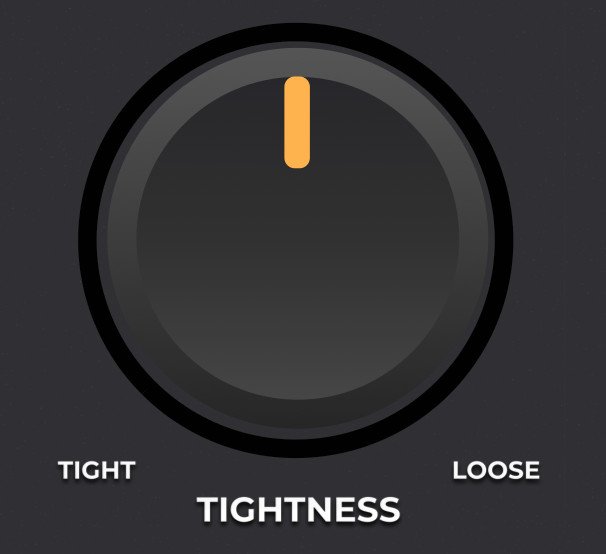
Tightness Control for Instant Results
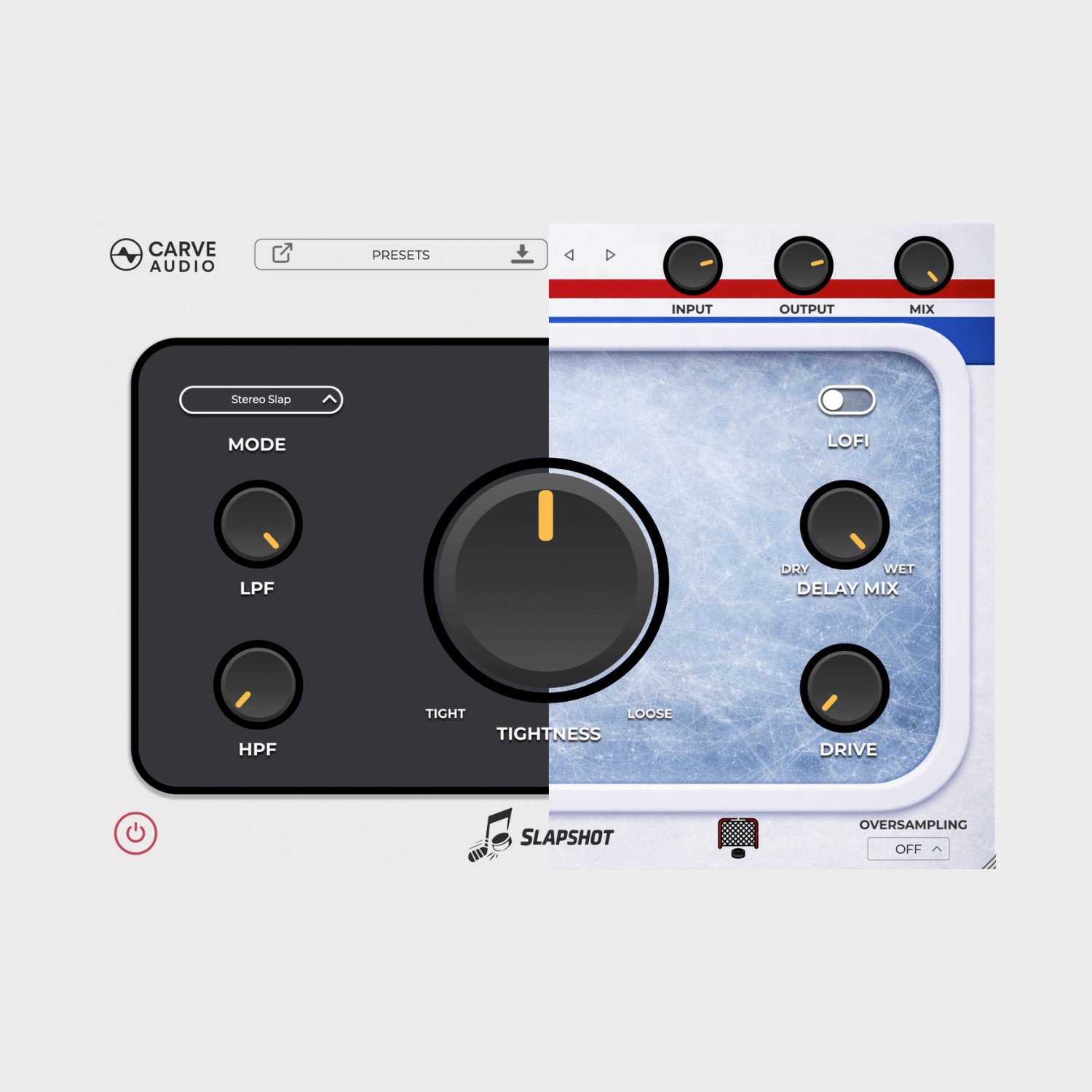
Instead of dialing in delay times manually, the Tightness control lets you quickly move from short, punchy slap delays to looser, more spacious sounds—without breaking your flow.
Multiple Slap Modes for Flexibility
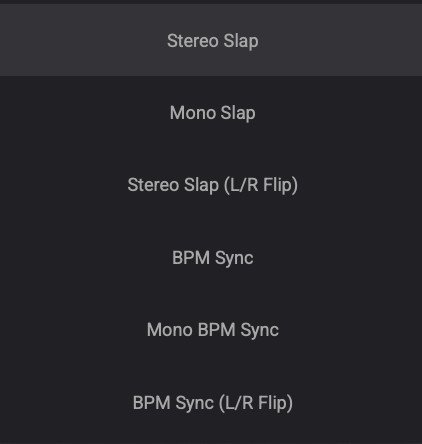
Choose from stereo, mono, and BPM-synced slap modes, including left/right variations. This makes it easy to dial in anything from tight, focused slap to wider, tempo-locked effects.
Built-In Tone Shaping
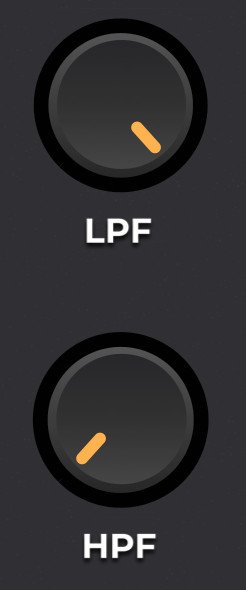
High-pass and low-pass filters shape what feeds into the delay, keeping low-end weight and harsh highs under control. This helps the effect stay clear, especially on vocals.
Character When You Want It
Optional LoFi and Drive controls add grit and attitude to the delayed signal, helping it sit behind the source or stand out when needed. You can even disable the delay entirely and use these for texture alone.

How Slapshot Works
Hover over each control to learn how it works and how it helps Slapshot stay clean, focused, and easy to mix with.
Hear Slapshot in Action
Built for Musicians. Backed by Pros.


You Might Also Like


Get your copy of Slapshot now:
F.A.Q.
AAX, AU, VST3 versions
64-bit only
Ableton Live 11+ (Mac & PC: AU, VST3)
Bitwig 4+ (Mac & PC: AU, VST3)
Cubase 13+ (Mac & PC: VST3)
Digital Performer 11+ (Mac & PC: AU, VST3)
FL Studio 23+ (Mac & PC: VST3)
Garageband 10+ (AU)
Logic Pro 10+ (AU)
Pro Tools 12+ (Mac & PC: AAX)
Presonus Studio One 5+ (Mac & PC: AU, VST3)
Reaper 6+ (Mac & PC: VST3)
Cakewalk Next by BandLab (PC: VST3)
If you don't see your DAW listed above, they should still work as long as your DAW can use VST3, AU, or AAX plugins. But any unlisted DAWs are not officially supported.
64 bit compatible
Windows 10
At least 400 MB of free drive space