
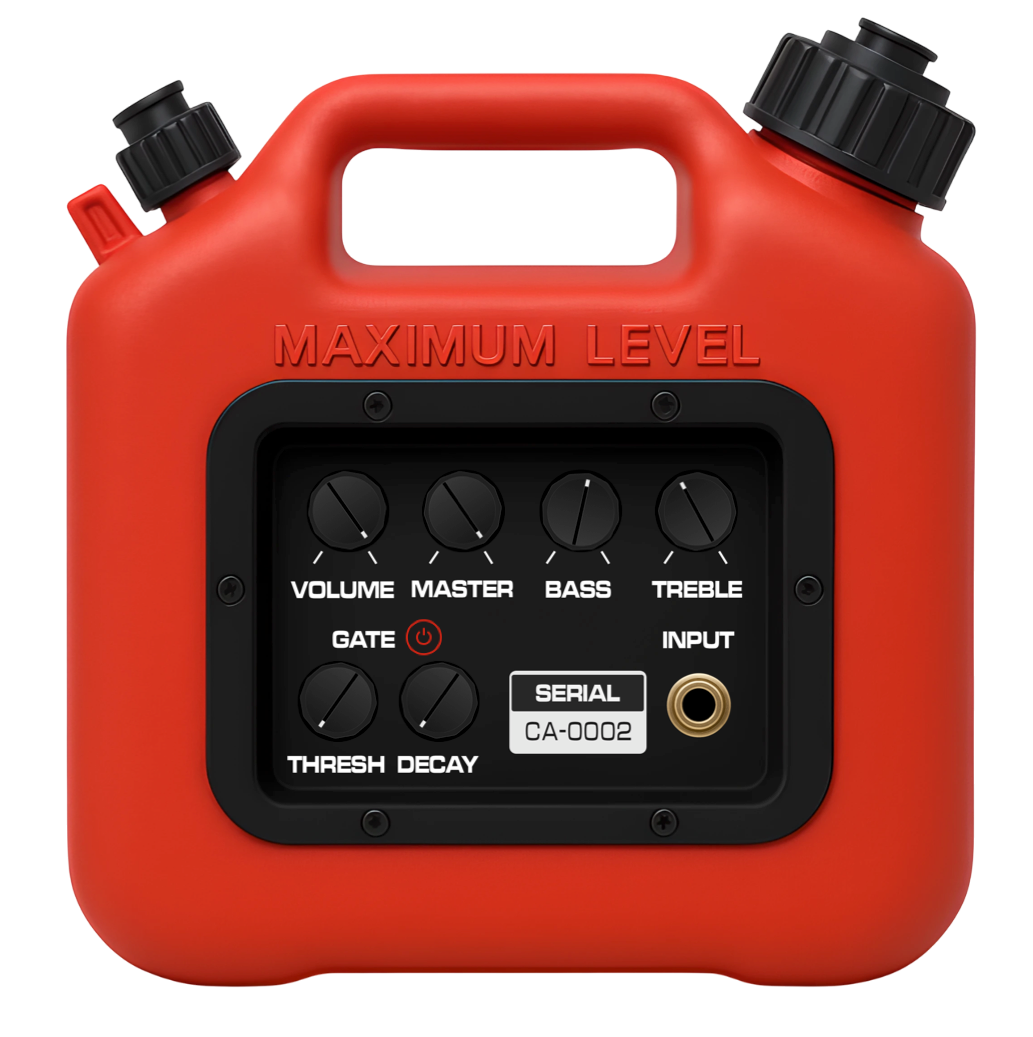
The Story Behind “The Can” Amp
“The Can” amplifier was a small, battery-powered amp from the 1980s that became known for its gritty, buzzing character. Often called the “gas can amp,” it delivered a raw, textured tone that cut through dense guitar layers — most famously on the first Foo Fighters record.
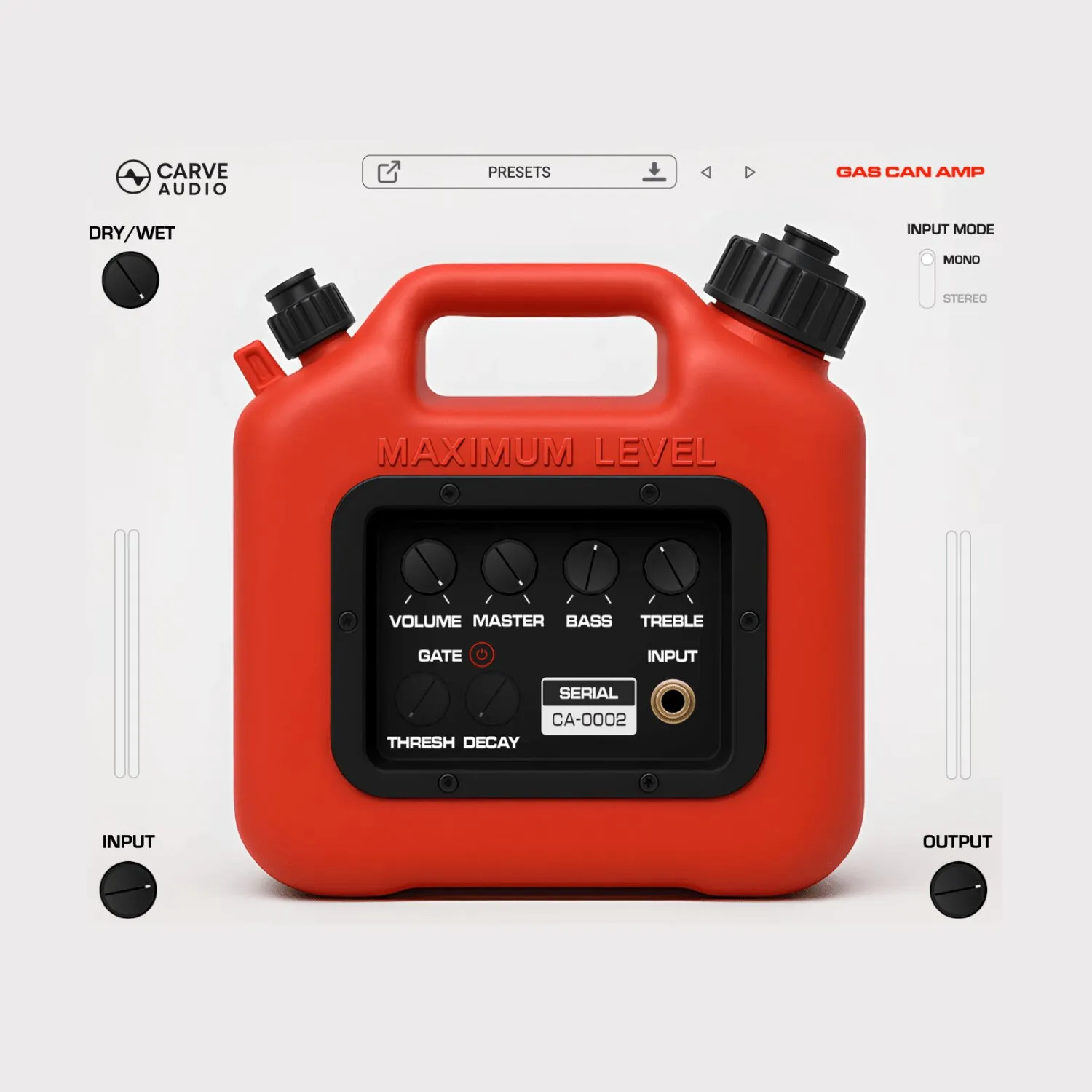
The Carve Audio “Gas Can Amp” plugin recreates that unmistakable buzz and aggressive personality inside your DAW. But it goes further. While preserving the original amp’s chaotic charm, we’ve added the control modern productions demand — giving you a gritty guitar amp plugin that works on guitars, vocals, and anything that needs overdriven bite and mix-cutting presence.
High-Octane Grit
Gas Can Amp delivers the raw, buzzing character that made the original “The Can” amplifier famous. This gritty guitar amp plugin adds instant attitude to guitars, vocals, or any track that needs textured fuzz and aggressive presence to cut through a mix.
More Than a One-Trick Can
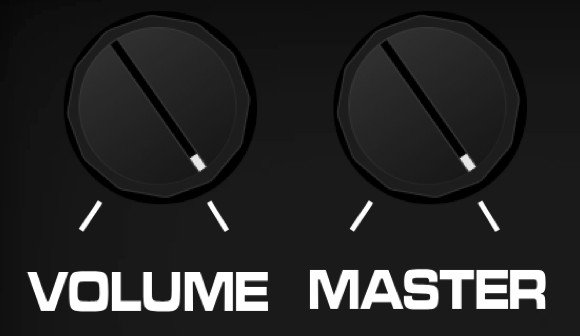
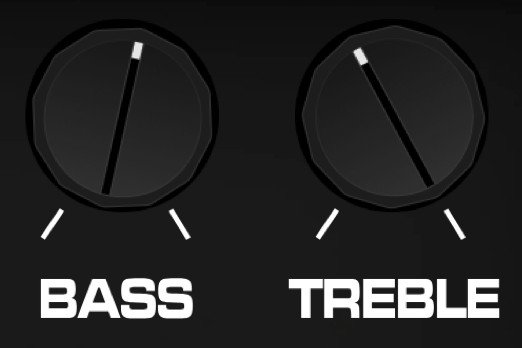
The original “The Can” amp was known for one iconic setting — everything cranked. We’ve preserved that chaotic, cranked tone, but we also expanded the EQ controls so this amp sim sits better in modern productions. Shape the low end, dial in clarity, and keep the grit — without losing what made the classic amplifier special.
Tight, Controlled Chaos
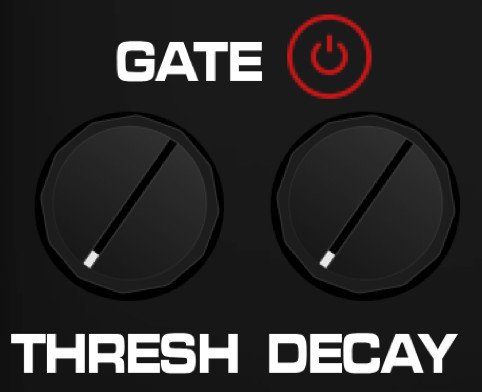
Like the original gas can amp, this circuit can get gritty and aggressive. But unlike the classic amplifier, Gas Can Amp includes a built-in noise gate — giving you precise control over threshold and decay for smooth, musical cleanup. Keep the attitude, tame the buzz, and dial in anything from subtle texture to tight, modern chugging without fighting unwanted noise.
Hear it in Action
How It Works
Hover over a control to learn how it works.

Built for Musicians. Backed by Pros.
Gas Can Amp is not affiliated with or endorsed by Crate, SLM Electronics, or the Foo Fighters. All product names are used for descriptive purposes only.
Videos
Get your copy of the Gas Can Amp now:
You Might Also Like



F.A.Q.
AAX, AU, VST3 versions
64-bit only
Ableton Live 11+ (Mac & PC: AU, VST3)
Bitwig 4+ (Mac & PC: AU, VST3)
Cubase 13+ (Mac & PC: VST3)
Digital Performer 11+ (Mac & PC: AU, VST3)
FL Studio 23+ (Mac & PC: VST3)
Garageband 10+ (AU)
Logic Pro 10+ (AU)
Pro Tools 12+ (Mac & PC: AAX)
Presonus Studio One 5+ (Mac & PC: AU, VST3)
Reaper 6+ (Mac & PC: VST3)
Cakewalk Next by BandLab (PC: VST3)
If you don't see your DAW listed above, they should still work as long as your DAW can use VST3, AU, or AAX plugins. But any unlisted DAWs are not officially supported.
64 bit compatible
Windows 10
At least 400 MB of free drive space